thetakebackMade in the UK
Printable pack · A4 PDF
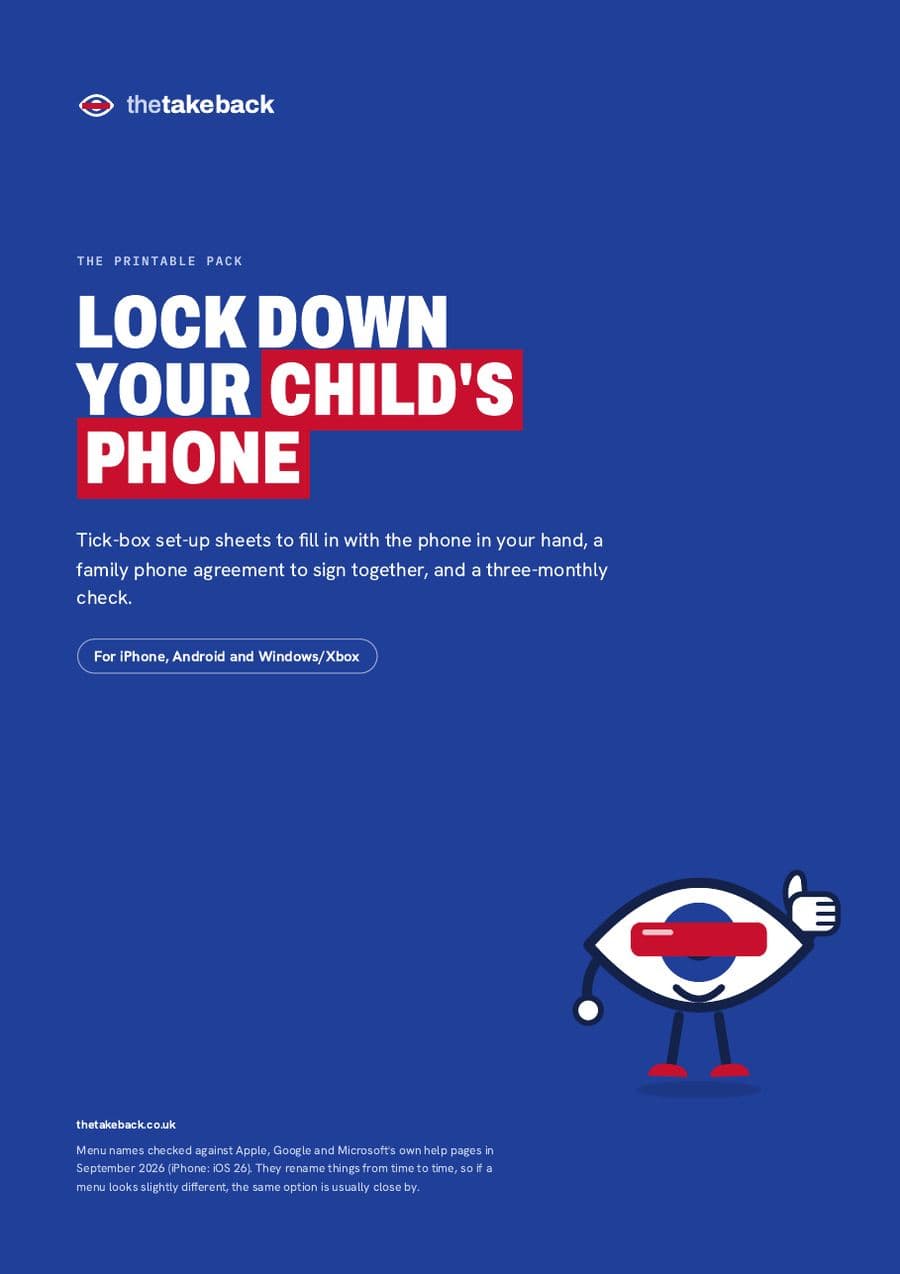
Lock down your child's phone
Tick-box set-up sheets you fill in with the phone in your hand, a family phone agreement to sign together, and a quick check every three months. For iPhone, Android and Windows or Xbox.
Print it. Tick it. Done.
£4.99
One-off. Instant download. Print as many copies as your family needs.
- Pay by card, Apple Pay or Google Pay through Stripe.
- The download opens straight after paying, and we email you the link.
- Because it's a download you get straight away, you'll be asked to confirm you lose the 14-day right to cancel once it starts. If the file's faulty, we fix it or refund you. Terms of sale
What's inside
- 01Before you startWhat to have ready, which sheet you need, and a safe place to note the passcode.
- 02Pick your starting point by ageUnder 11, 11 to 12, and 13 to 15: phone type, approvals, time limits, bedtime, filters.
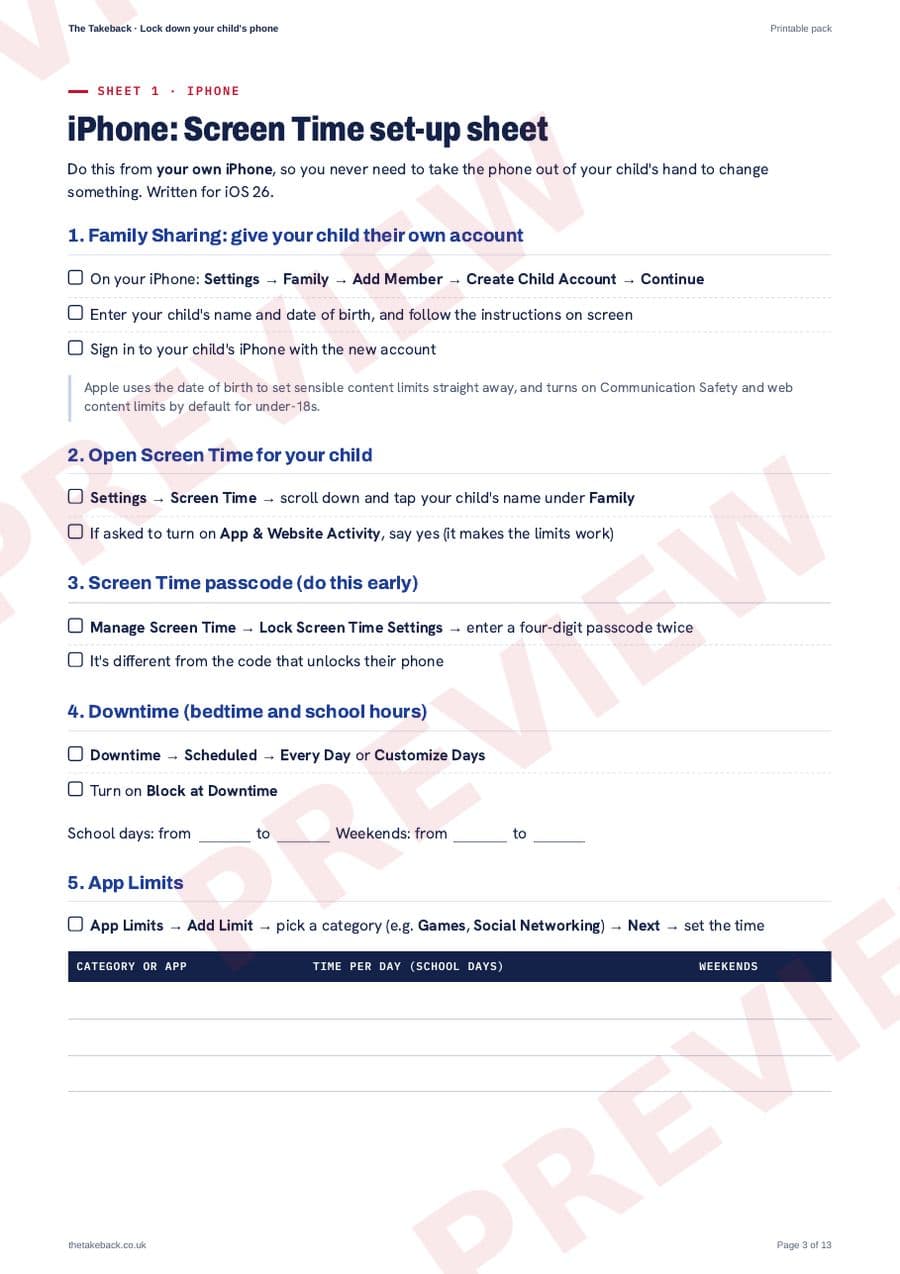
- 03iPhone: Screen Time set-up sheetFamily Sharing, passcode, Downtime, App Limits, Communication Limits, Ask to Buy, location. Tick as you go, write in your times.
- 04Android: Google Family Link set-up sheetDaily limit, Downtime and School time, app limits, download approvals, Chrome and YouTube, permissions.
- 05Windows PC and Xbox: Microsoft Family Safety sheetScreen time across devices, app and game limits, web filters, spending, and the Xbox Family Settings app.
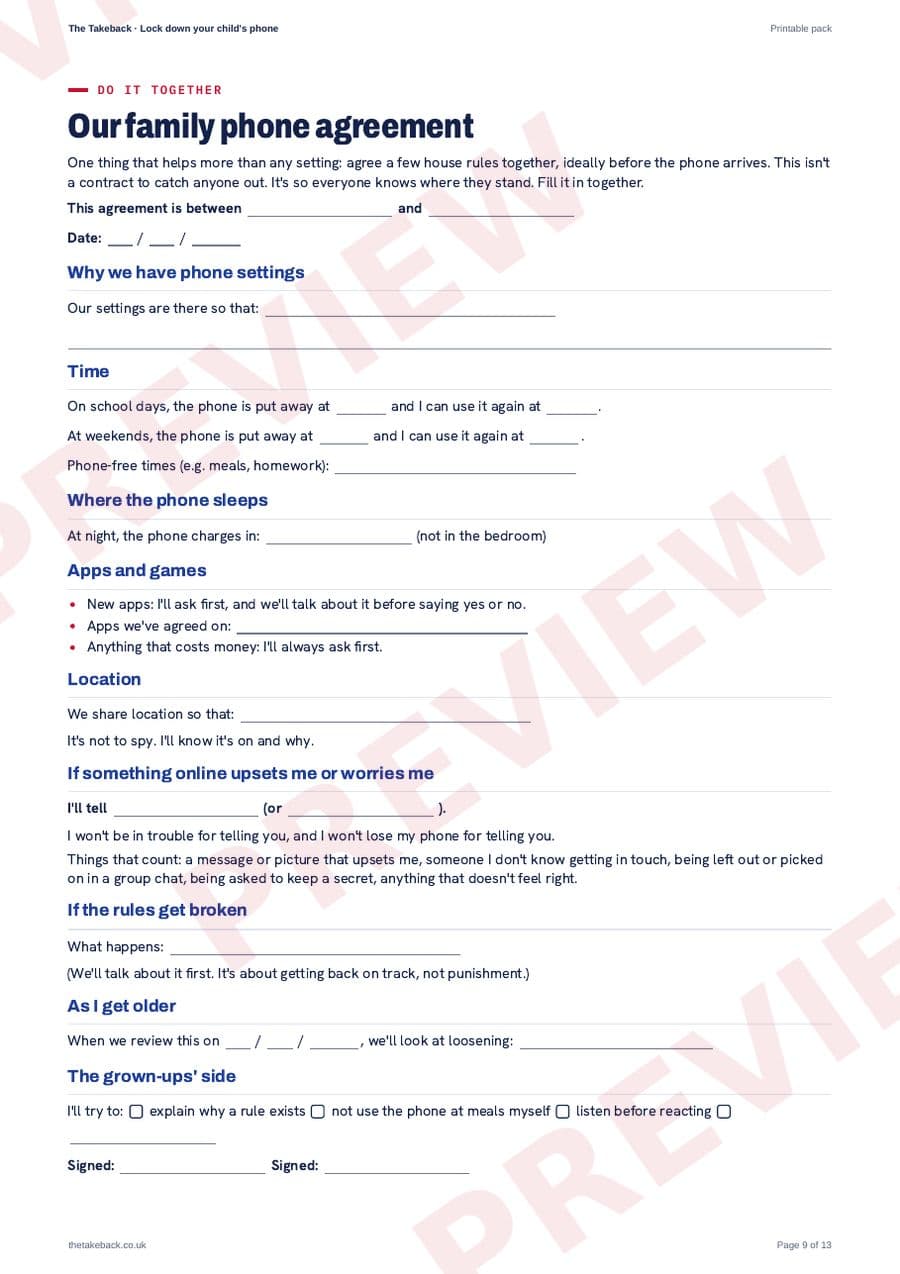
- 06Our family phone agreementFill it in and sign it together: times, where the phone sleeps, new apps, and who to tell if something online upsets them.
- 07When they ask for more timeWhere the requests turn up on each device, three questions before you answer, and things you can say without a row.
- 08Check every 3 monthsA four-column checklist so the settings keep working as apps update and children find workarounds.
- 09Where to get helpApple, Google and Microsoft's own help pages, broadband and mobile filters, and the UK rules.
Blink saysThe honest bit: everything in this pack is in our free guides. You're paying for the print-and-tick version, laid out so you can sit down with both phones and just work through it.
Rather read it online, free?
- How to lock down your child's phone: a UK parents' guide
- iPhone parental controls: set up Screen Time step by step
- Google Family Link: set up your child's Android phone, step by step
- Microsoft Family Safety: controls for your child's Windows PC and Xbox
- The best first phone for a child (ages 9 to 12): a UK parents' guide